


your todos on every device. sign in once, add them anywhere, and they're there everywhere else.
no ads, no tracking. your data is only used to sync it.
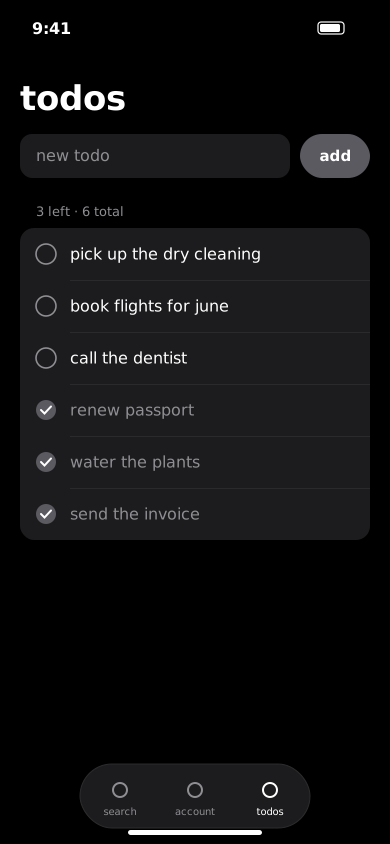
what it does
add a todo on your phone and it's on your ipad before you pick it up. it works offline and catches up when you're back.
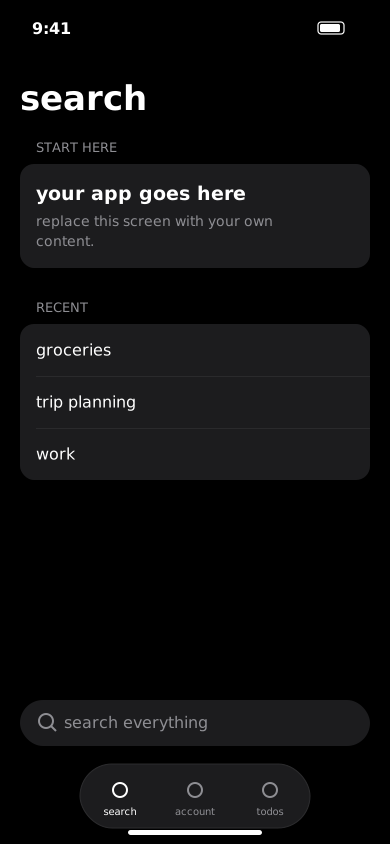
changes go up when you make them and come down when you open the app. there's no sync button.
everything is saved on the phone first, so the app never waits on the network.
tap a todo to mark it done. long-press to delete it.
with live updates on, a change on one device shows up on the others in a second or two.
sign in with apple, google, microsoft or an email and password. your todos follow the account, not the phone.
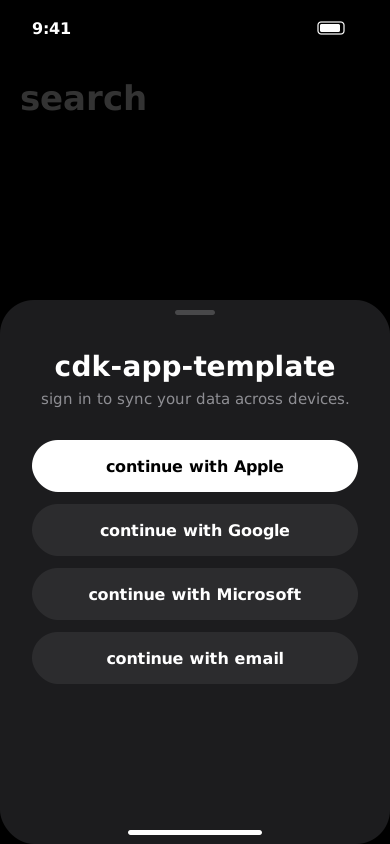
apple, google and microsoft take one tap. email accounts get a confirmation code.
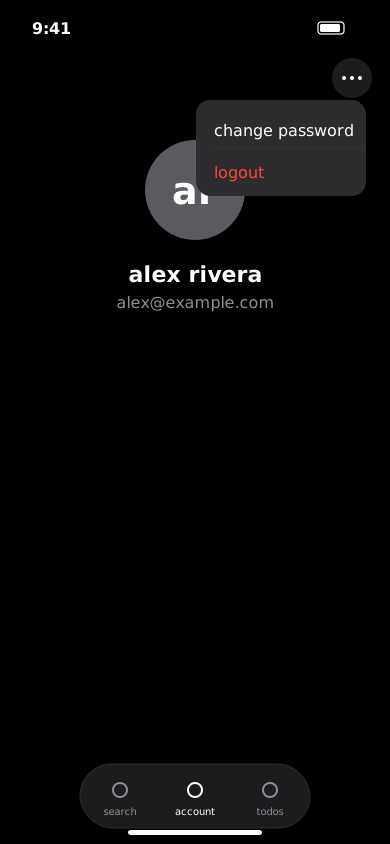
tap the circle on the account tab to pick one from your library.
email accounts can change it from the menu on the account tab.
native tabs, headers, menus and search, in light and dark mode.
privacy
your account and your todos are stored so they can follow you between devices. nothing else is collected, and nothing is sold or shared. read the privacy policy.
your name, email, profile photo and todos. nothing about how you use the app.
no analytics, no advertising ids, no third-party trackers, no cookies.
email and your account and everything in it is deleted, usually within a few days.
every request to the server goes over https with your own sign-in token.
getting started
free to use, with nothing else to sign up for. sign in once on each device and your todos are there.
download it from the app store. it runs on iphone and ipad.
open the account tab and choose apple, google, microsoft or email.
the todos tab appears once you're signed in. type a todo and tap add.